
Results and archiving
The results page gives you an overview of who has completed, with what score, and who is blocked from shifts. Managers can see it.
Open the results
Section titled “Open the results”- Choose Learning and Manage courses.
- Tap Results on the course row. You can also tap Results inside the editor.
- At the top you see the title, for example Results: Hand washing, and a count: 5 of 21 completed.
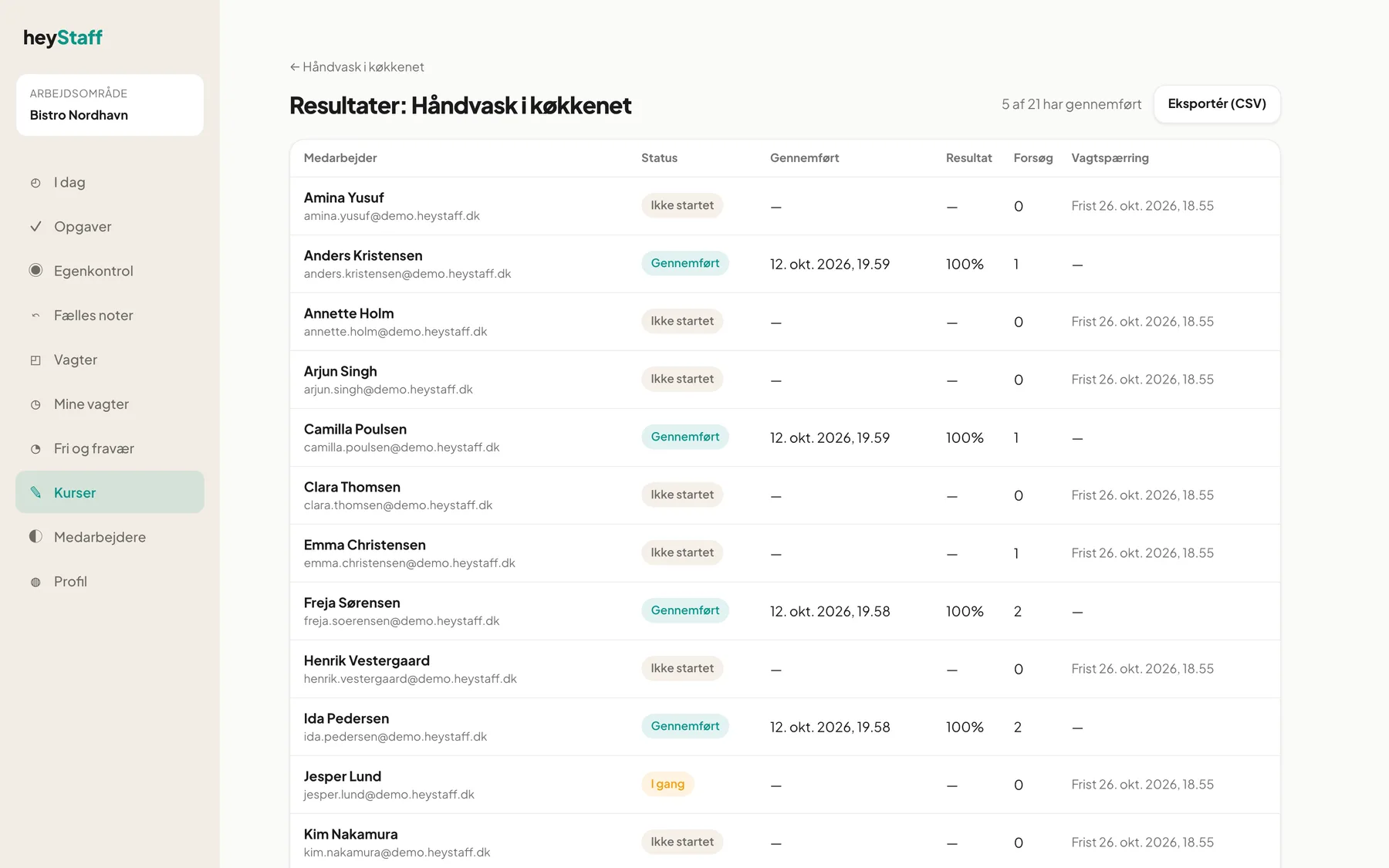
Read the table
Section titled “Read the table”| Column | Meaning |
|---|---|
| Employee | Name and email |
| Status | Not started, In progress or Completed |
| Completed | Date and time the course was passed |
| Score | Score in percent |
| Attempts | Number of attempts the person has used |
| Shift block | The deadline, or Blocked from shifts |
If a mandatory course is not passed, it says Due 26 Oct 2026, 18:55. Once the deadline has passed, the chip Blocked from shifts appears.
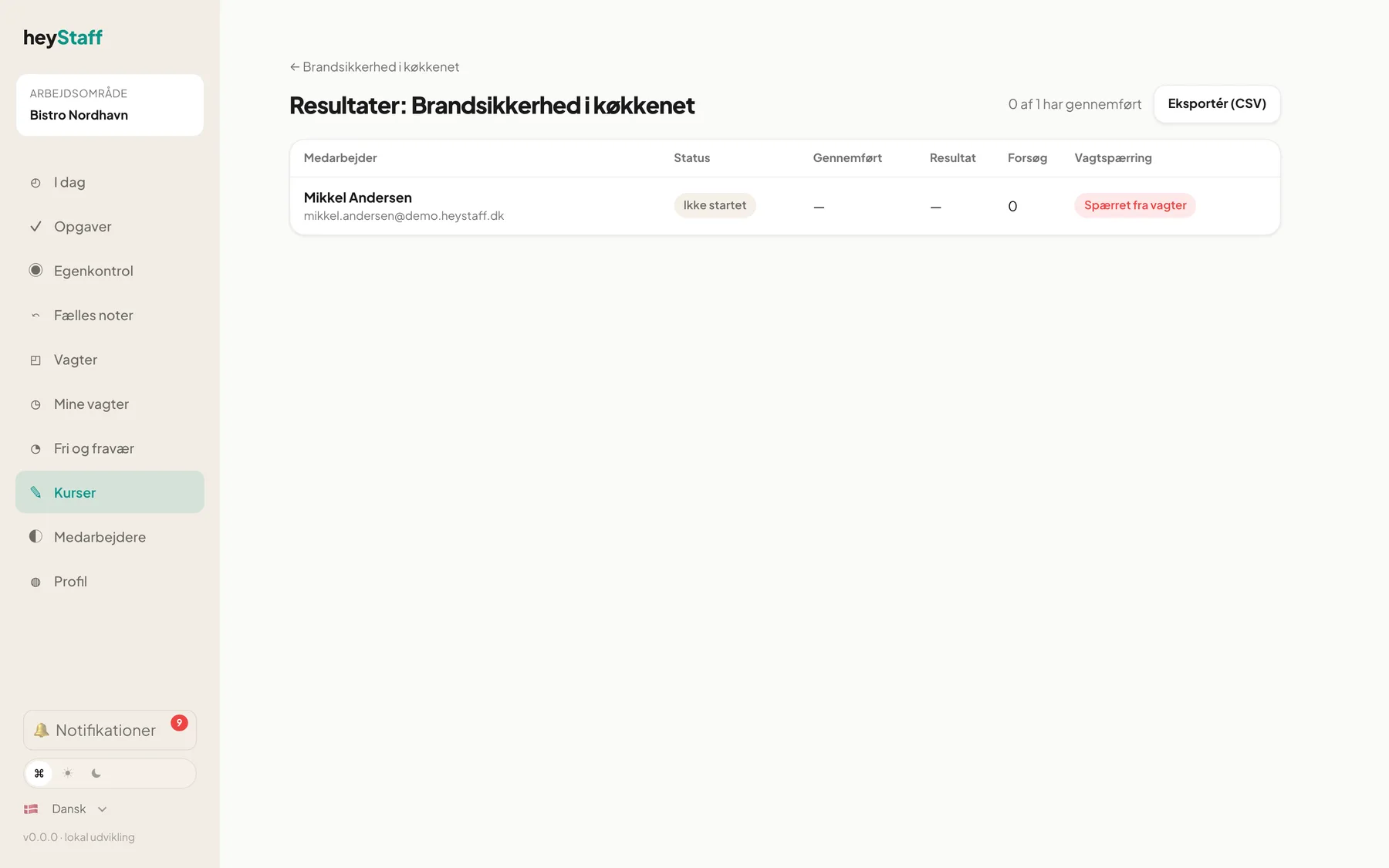
Important: Status only shows whether the course was passed. An employee who has had an attempt without passing still shows as Not started, but Attempts shows 1.
Export
Section titled “Export”- Export (CSV) on the results page downloads the results for one course.
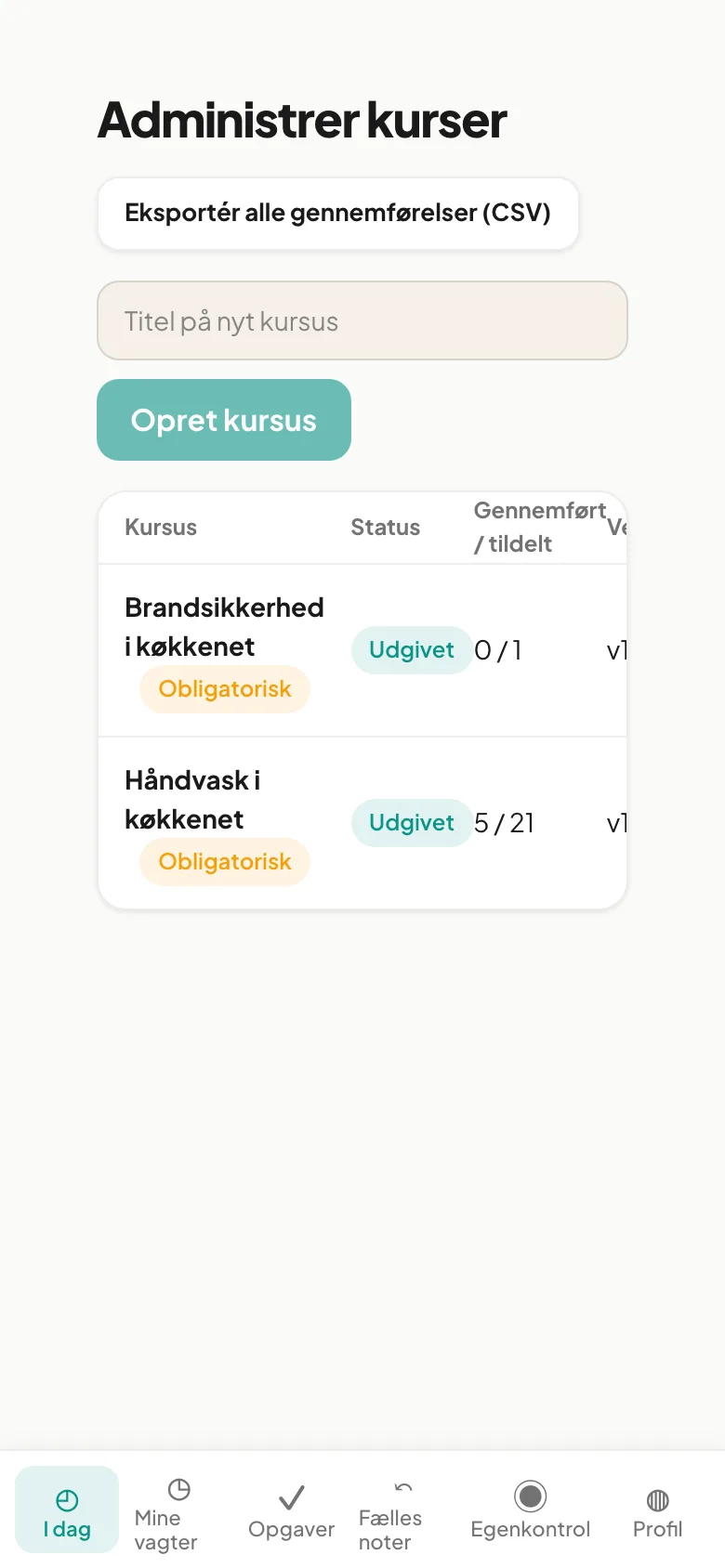
- Export all completions (CSV) at the top of Manage courses downloads all courses.
The file contains course, version, employee, email, result, score, correct count, question count and time. Use it as documentation for a food safety inspection or the personnel file.
Archive a course
Section titled “Archive a course”- Open the course.
- Tap Archive.
- The status becomes Archived and the course disappears from employees’ lists. It no longer blocks anyone.
Results are kept. To use the course again, open it and tap Restore.
- Check the results once a week at first. Blocked employees cannot be scheduled.
- Archive instead of deleting. That way you keep the documentation.
- Duplicate an archived course if you want to build on it.
Can I delete a course? There is no delete button. Archive instead and the results remain for documentation.
Why does an employee show Not started but have an attempt? They went through the course without passing. The status changes to Completed once the course is passed.
Can I see the individual answers? No. The results page shows score and attempts. Answers are stored but not shown here.