
The Today dashboard
Today is the start page in heyStaff. It gives you a quick overview before you move on to tasks, shifts or notes. The page is the same for managers and staff, but some cards only link to pages your role may open.
Greeting
Section titled “Greeting”At the top is a greeting that changes with the time of day (Good morning, Good afternoon, Good evening, Good night), your name and your role, for example Manager at Bistro Nordhavn or Staff at Bistro Nordhavn.
Four key numbers
Section titled “Four key numbers”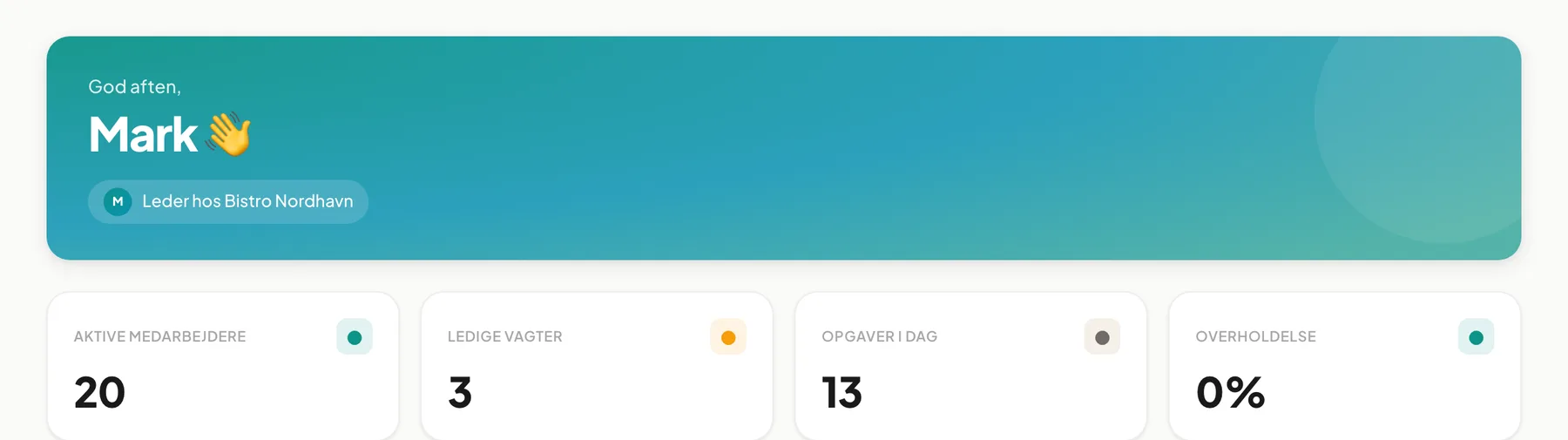 Shown in Danish; the labels are Active staff, Open shifts, Tasks today and Compliance.
| Card | What it shows |
|---|---|
| Active staff | Number of employees who are active or in onboarding |
| Open shifts | Shifts in the next 14 days that have no employee yet |
| Tasks today | Today’s tasks that are still open, in progress or overdue |
| Compliance | Share of today’s tasks that are already done, in percent |
Click a card to go to the related page: Tasks today and Compliance open Tasks, Open shifts opens the Shift planner, and Active staff opens Employees (managers only).
Tip: If Compliance shows 0 %, no tasks have been completed yet today. The number rises as the team checks things off.
Locations and workspace
Section titled “Locations and workspace”- Locations lists your company’s locations with time zone and status Active. Bistro Nordhavn has one: Nordhavn (Europe/Copenhagen).
- Workspace shows the company Name, Plan status, Default language and Your role.
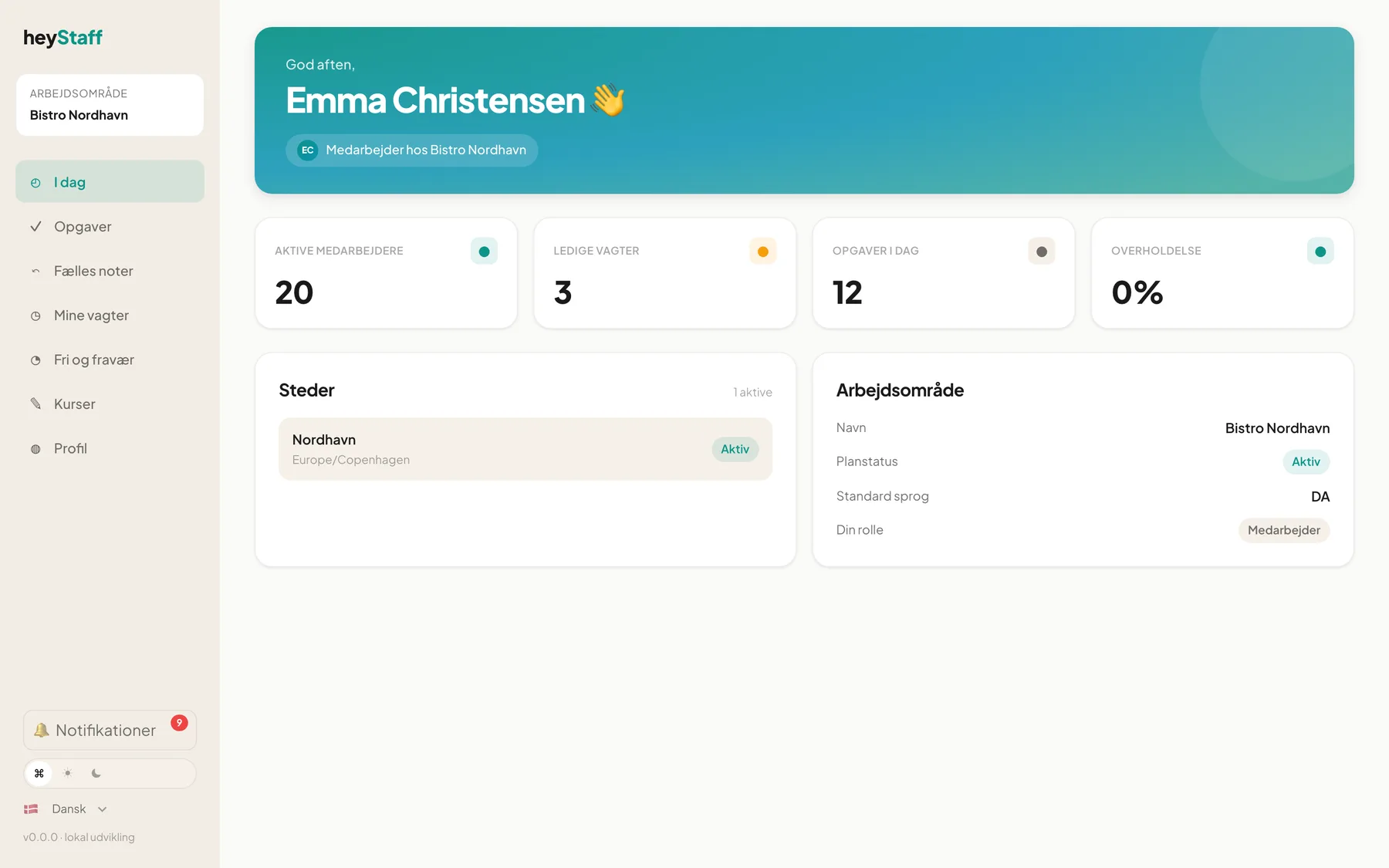 The dashboard as a staff member (Emma Christensen). The menu is shorter than for managers.
Questions and answers
Section titled “Questions and answers”Why can’t I open the Shift planner or Employees from the cards? Those pages are for managers only. As staff you use My shifts for your own shifts.
The numbers don’t match what I see in Tasks. The dashboard only counts tasks that are open or completed today. Reload the page if someone just checked something off.
Next page: Navigation and modules.