
Mandatory courses and shifts
Some courses are mandatory. This typically covers food safety, fire safety and hygiene. Here you see how to spot them and what happens if you do not finish in time.
How to see that a course is mandatory
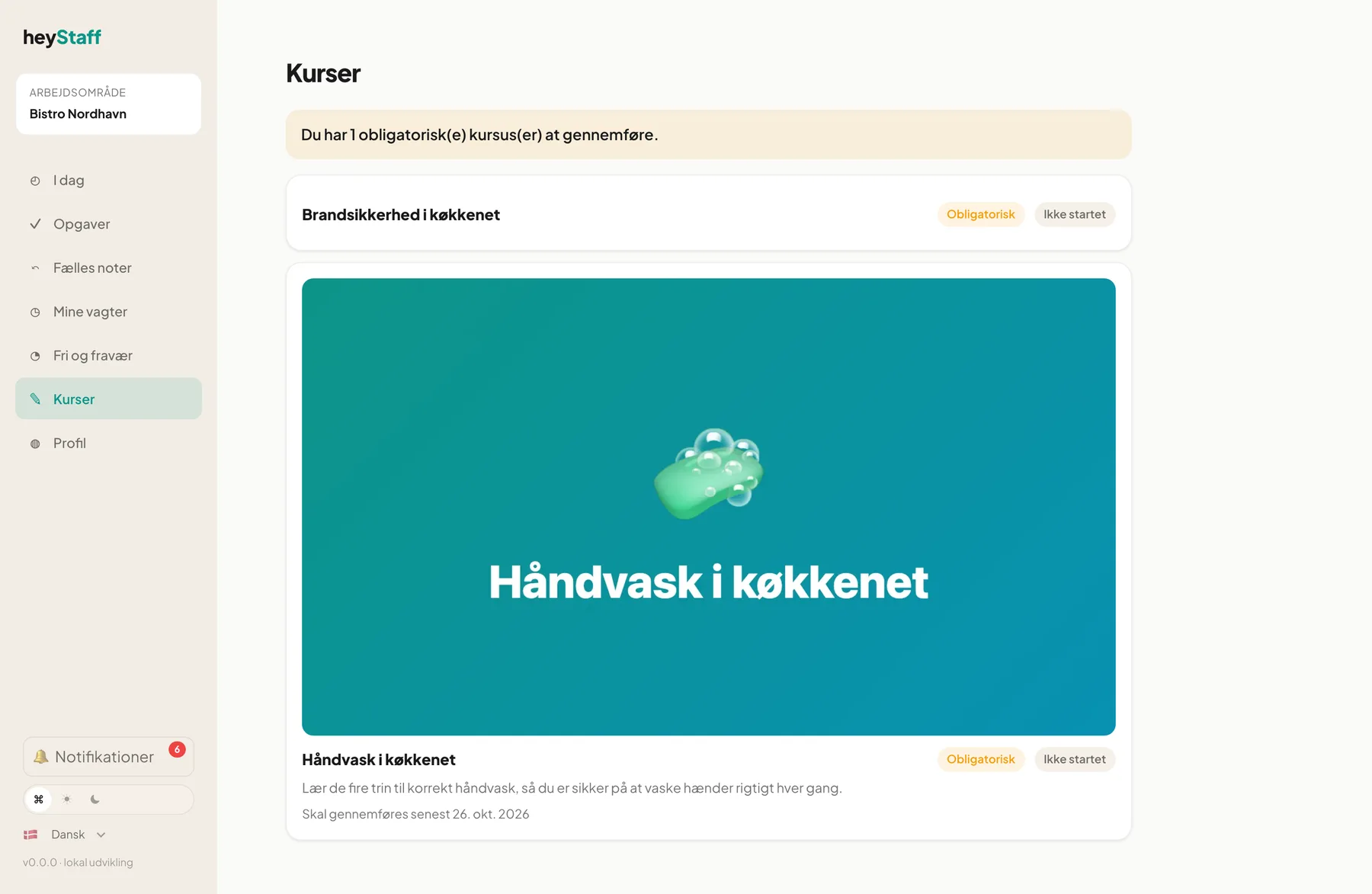
Section titled “How to see that a course is mandatory”- Open Learning in the menu.
- Look for the Mandatory chip on the course card.
- Read the due date under the title: Complete before 26 Oct 2026.
If a yellow bar is shown at the top, for example You have 1 required course(s) to complete., you have courses to take but the deadline has not passed yet.
When the deadline has passed
Section titled “When the deadline has passed”When the deadline has passed and you have not passed the course, you cannot be put on a shift. You see a red bar on the courses page:
You cannot be put on shifts until you complete: Fire safety in the kitchen
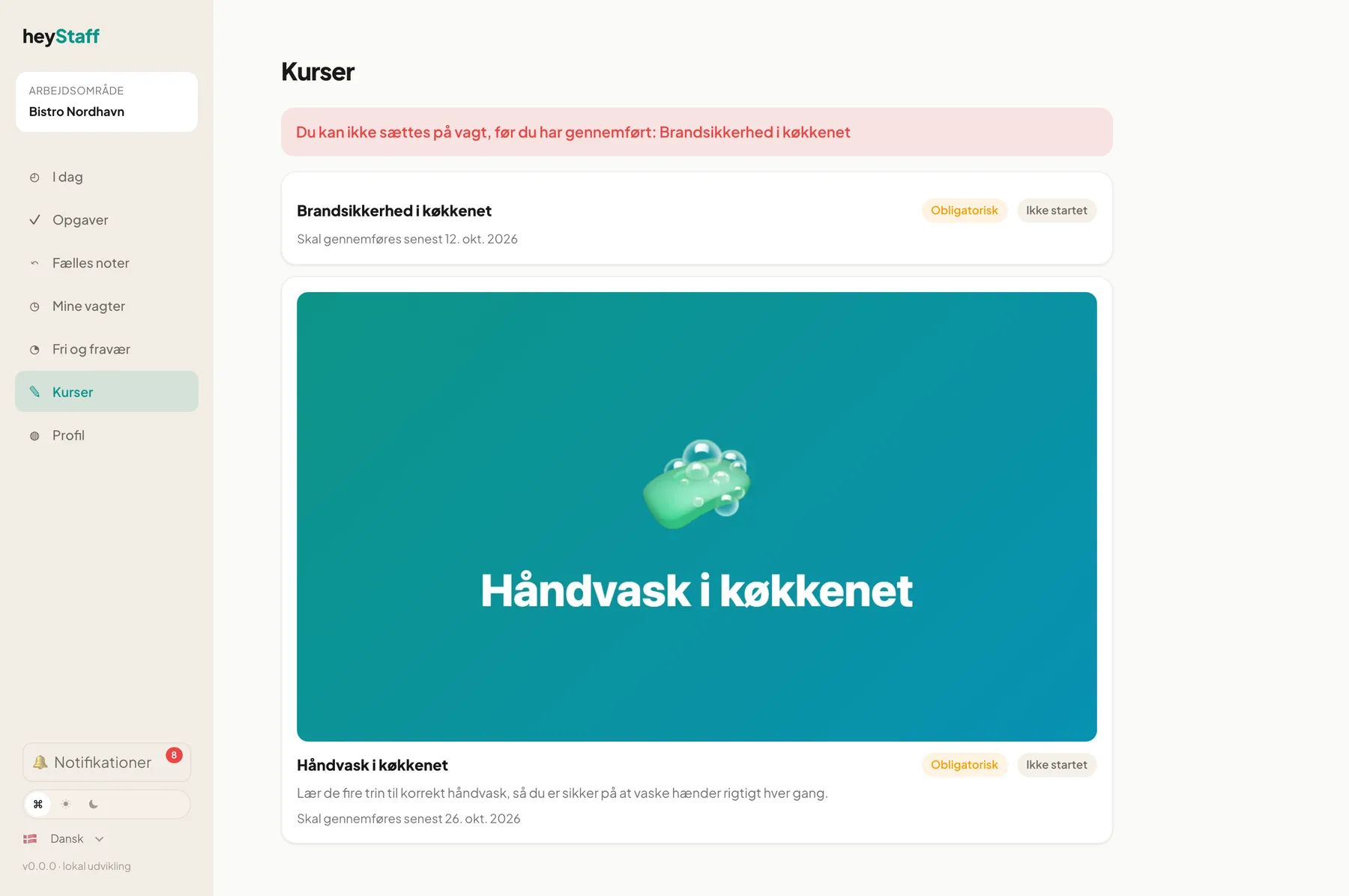
You also get an in-app notification, at most once a day per course.
Important: It is new shifts that are blocked, meaning shifts that start after the deadline. Shifts you already have are not changed automatically.
How to fix it
Section titled “How to fix it”- Tap the mandatory course.
- Complete it and pass the quiz if there is one.
- As soon as you have passed, your manager can put you on shifts again and the block disappears.
How much time do I have?
Section titled “How much time do I have?”The deadline is counted from the later of two moments: when the course was made mandatory for you, or the day you were hired. The manager’s Grace period (days) is added to that. With 0 days the requirement applies immediately.
When the course is updated
Section titled “When the course is updated”If the manager publishes a new version and chooses that everyone must retake it, your earlier completion no longer counts and a new deadline starts. If only small things were corrected you stay approved.
Can I swap or book a shift while I am missing a course? No. The same requirement applies when you book an open shift or swap a shift.
I passed but am still blocked. Check that the course shows Completed. If you only finished without passing you need to take it again. Otherwise contact your manager.
Can a manager see who is blocked? Yes. It is shown in the course results as Blocked from shifts.