
Shift handover overview
Shift handover (called Fælles noter in the Danish interface) is the team’s noticeboard from shift to shift. You write briefly what the next shift needs to know: something broke, an item is running out, an agreement with a supplier. Every employee can write and read notes.
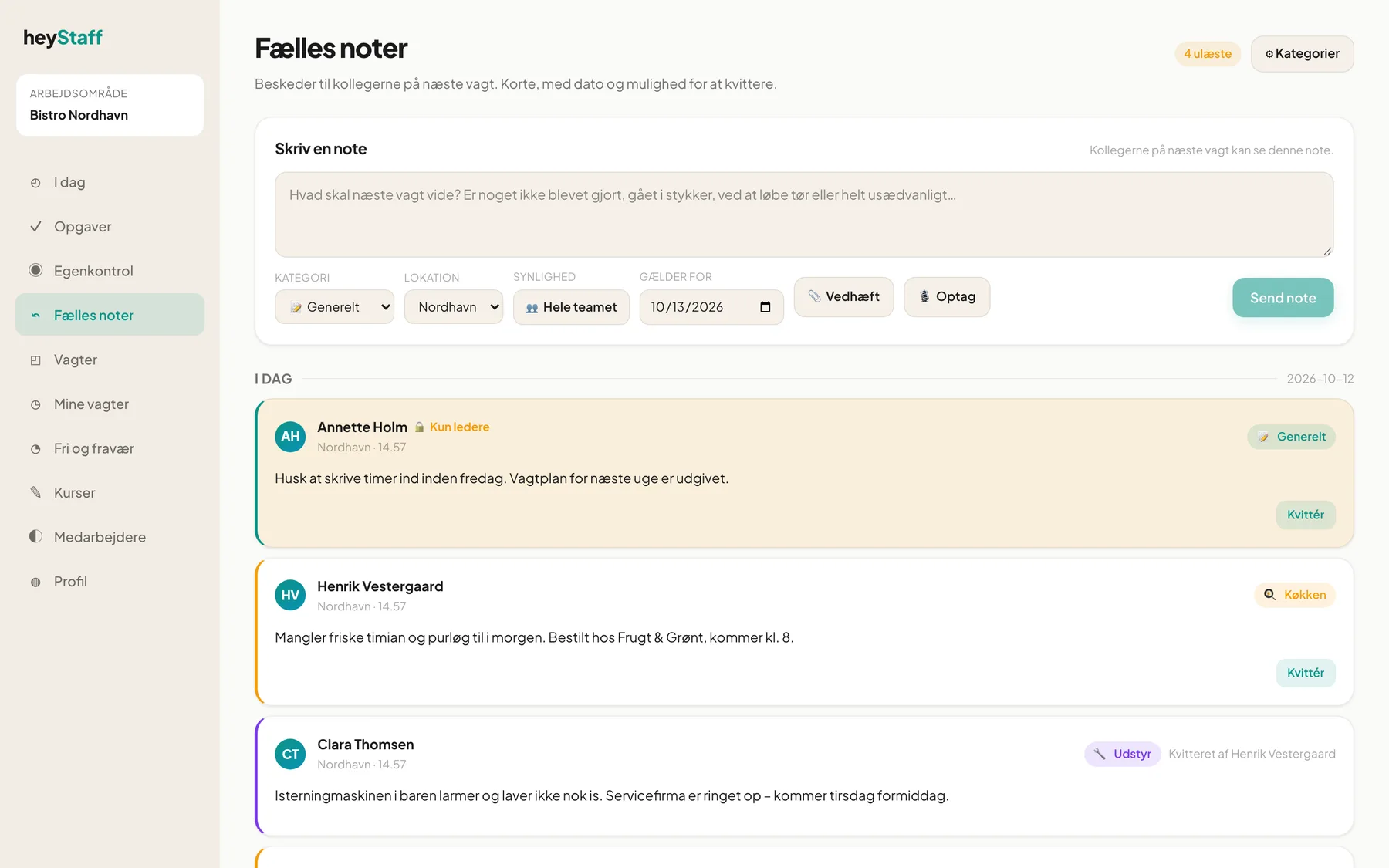 Write a note at the top, and see the day’s notes below.
The page at a glance
Section titled “The page at a glance”- Leave a note: the form at the top. See Write a note.
- Unread: a yellow badge at the top right shows, for example, 5 unread when there are notes you haven’t acknowledged.
- Categories: the button is only shown to managers and lets them tailor colours and names.
- The note list is grouped by date: Today, Tomorrow and then dates.
Each note shows author, location, time, category, the text and any attached images and audio.
Who sees what?
Section titled “Who sees what?”| Visibility | Who can see the note |
|---|---|
| Team | Everyone at the location |
| Managers only | Managers and the author. The note has a yellow background and the label Managers only. |
You always see your own notes, including those that are managers-only.
Which days are shown?
Section titled “Which days are shown?”The page shows notes that apply to today or tomorrow. When a date has passed, the note disappears from the list. A new note applies to the next day by default, but you can pick another date.
On mobile
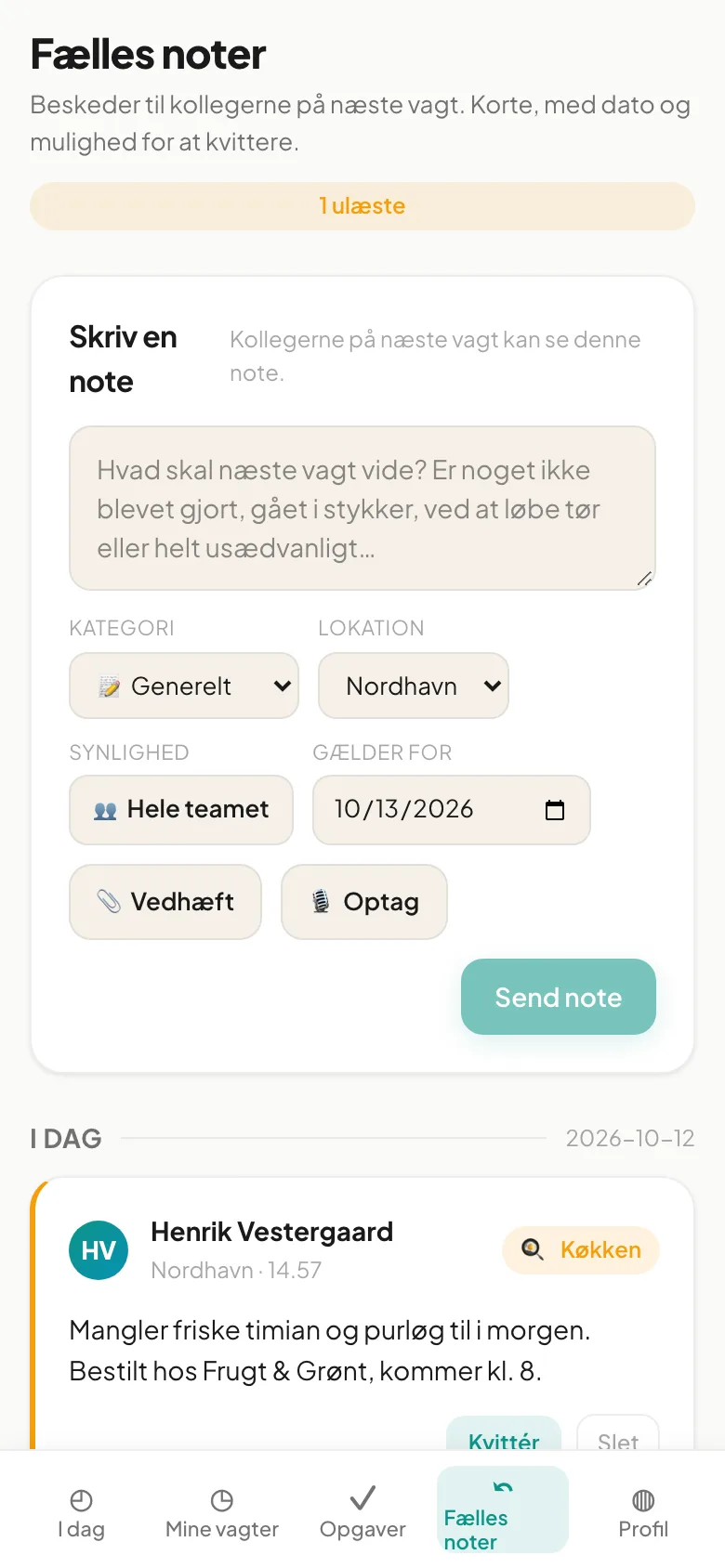
Section titled “On mobile”Shift handover is in the bottom menu on the phone. The form and note cards are adapted to narrow screens. The Attach and Record buttons make it easy to take a picture or record a message while you stand in the kitchen.
Important: The page needs an internet connection. If you have no coverage, wait before sending the note.
Questions
Section titled “Questions”I can’t see my colleague’s note. It may be marked Managers only, or it applies to another day.
The page says “Shift Handover is locked”. The module isn’t enabled. Contact your administrator.
It says “You have no locations yet”. No location has been set up for you. Ask the administrator to create one.