
Write a note
Every employee can write a note. It takes under a minute.
How to do it
Section titled “How to do it”- Open Shift handover in the menu.
- Click in the field under Leave a note and write the text. Keep it short and concrete, for example: Fresh thyme and chives are missing for tomorrow. Ordered from Frugt & Grønt, arrives at 8.
- Choose Category, for example Kitchen, Guests, Equipment, Allergens or General.
- Choose Location if you work at several places.
- Choose Visibility: Team or Managers only. Press the button to switch.
- Choose For day: the date the note should be shown for. Tomorrow is preselected.
- Press Attach or Record if you want to add an image, video or audio (see Attach images, video and audio).
- Press Post note.
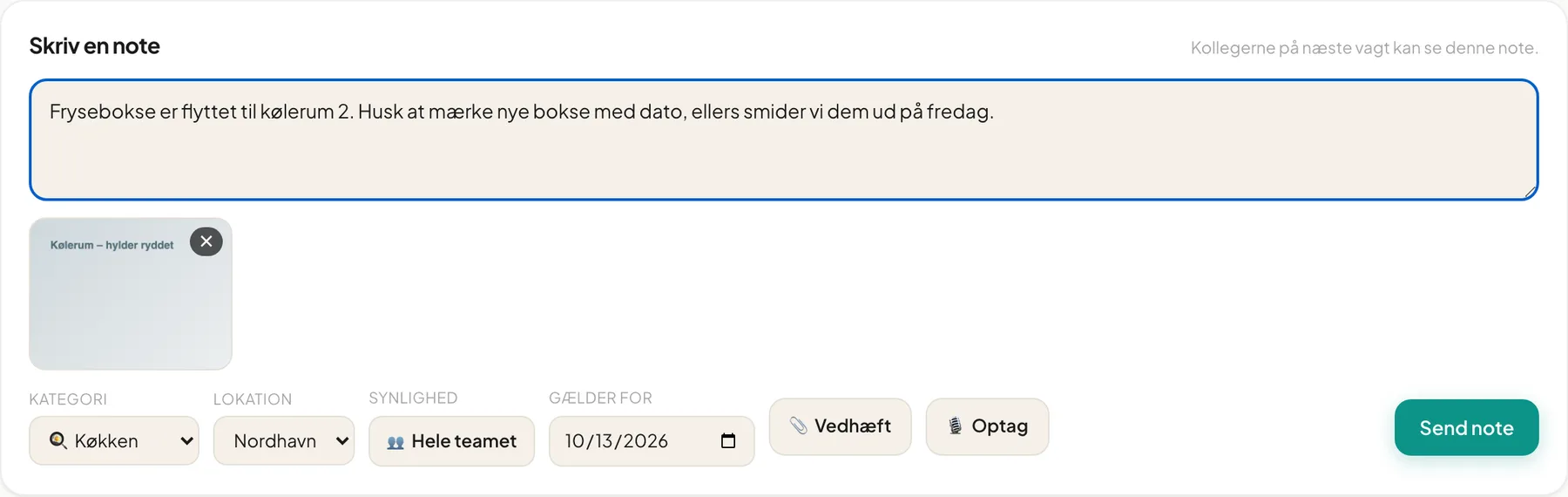
The Post note button is greyed out until there is text, a location is chosen and all files have finished uploading. Meanwhile it says Uploading 1…, and after you press it Posting….
Managers only
Section titled “Managers only”Switch Visibility to Managers only for sensitive observations, for example about a colleague’s behaviour or a customer complaint. Then only managers and you can see the note.
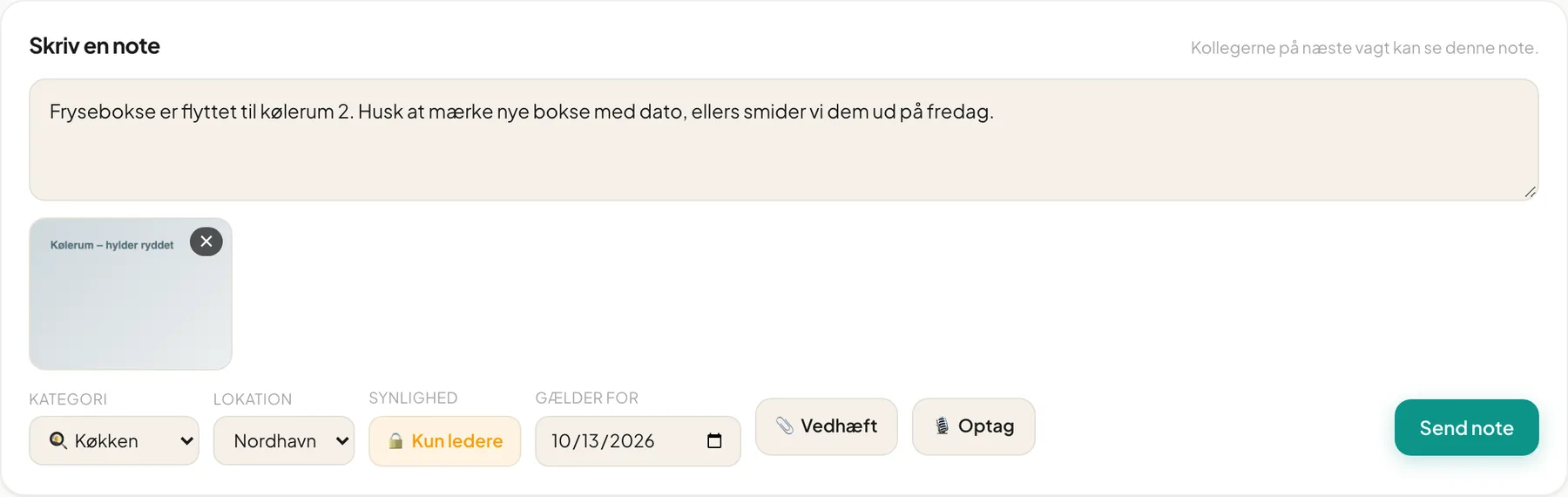
Tip: Hover over the button to see the explanation: Only managers and you will see this. Use for sensitive observations.
Edit and delete
Section titled “Edit and delete”You can delete your own note with Delete and confirm in the dialog Delete this note?. It can’t be undone. A note isn’t edited afterwards. Write a new one if something is wrong.
Important: Only the author can delete a note, including managers. That way nobody can remove a colleague’s message without asking.
Good practice
Section titled “Good practice”- Write what, where and when, not just “Remember coffee”.
- Use Equipment for things that are broken and Allergens for changes to dishes.
- Add a picture if something is hard to describe.
- Write the note before the shift ends so the next shift sees it at the start.
Questions
Section titled “Questions”Post note is greyed out. You are missing text, or a file is still uploading.
My note is gone. It may apply to yesterday. The page only shows today and tomorrow.