
Navigation, notifications and modules
The sidebar on a computer
Section titled “The sidebar on a computer”The menu on the left is the same on every page. The active page is marked with green text and background.
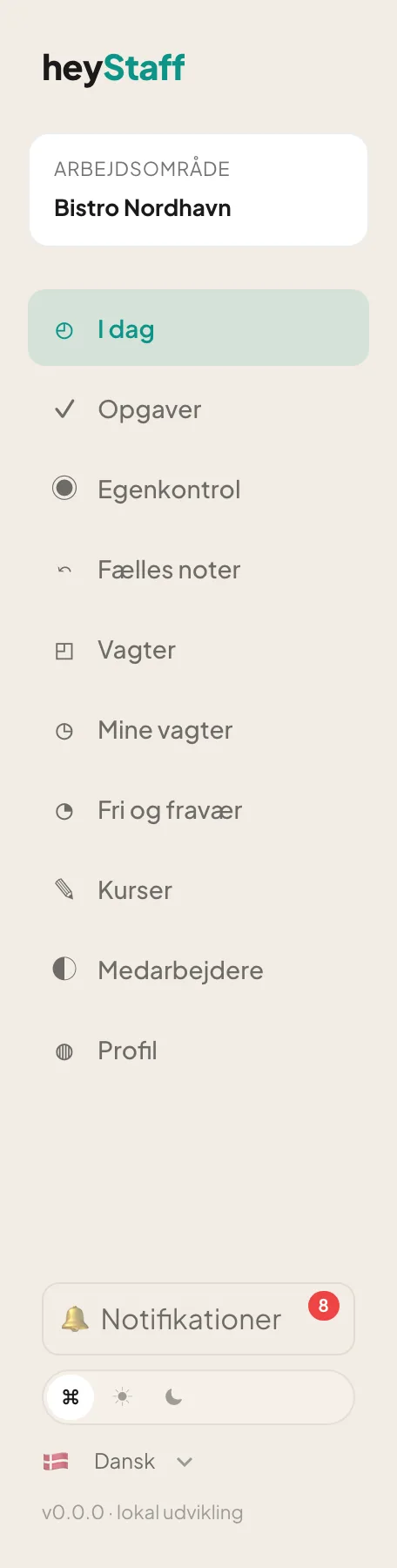 The menu as a manager (Danish interface).
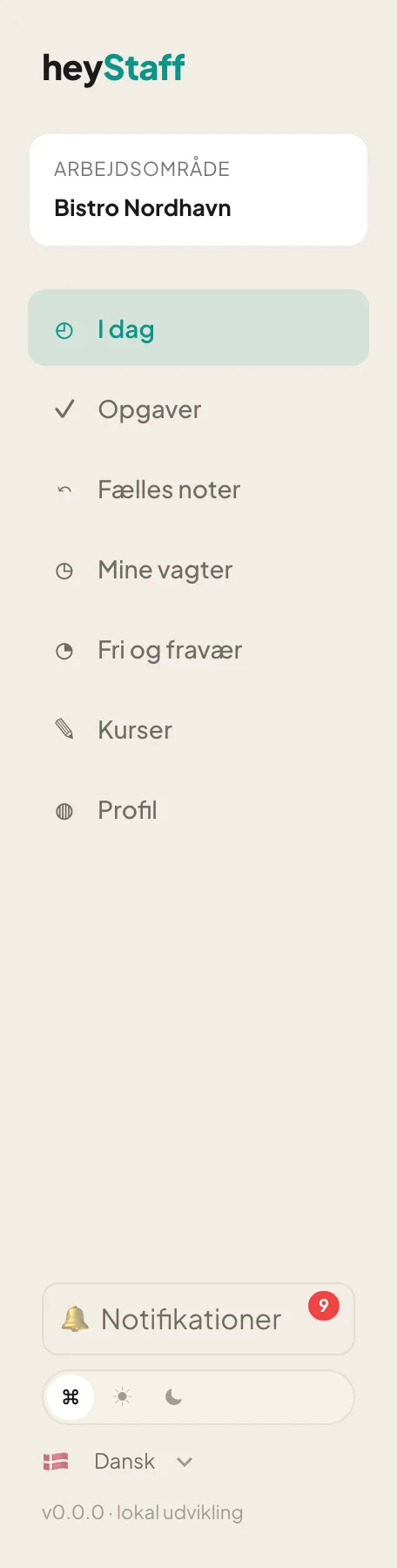 The menu as a staff member: shorter, without Egenkontrol, Vagter and Medarbejdere.
| Menu item | Opens | Managers only |
|---|---|---|
| Today | Dashboard | |
| Tasks | Today’s tasks | |
| HACCP | Temperature log, control points, deviations | Yes |
| Handover | Notes between shifts | |
| Shift planner | Weekly scheduling | Yes |
| My shifts | Your own shifts | |
| Time off | Time-off requests | |
| Learning | Training | |
| Employees | Staff list and invitations | Yes |
| Profile | Your details |
At the top you see the Workspace with the name of your company.
At the bottom of the menu
Section titled “At the bottom of the menu”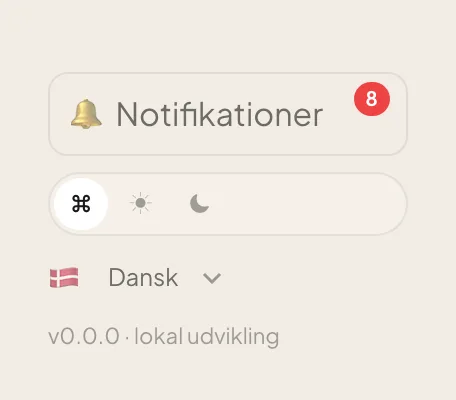
- Notifications – the bell with a red number for unread items.
- Theme – the three buttons System, Light and Dark.
- Language – a dropdown, for example Dansk or English.
Notifications
Section titled “Notifications”- Click Notifications in the menu. A window opens with your latest messages.
- Unread messages have a coloured background. Click Open → to go to what the message is about.
- Click Read on a single message, or Mark all read at the top.
- Click Close to close the window.
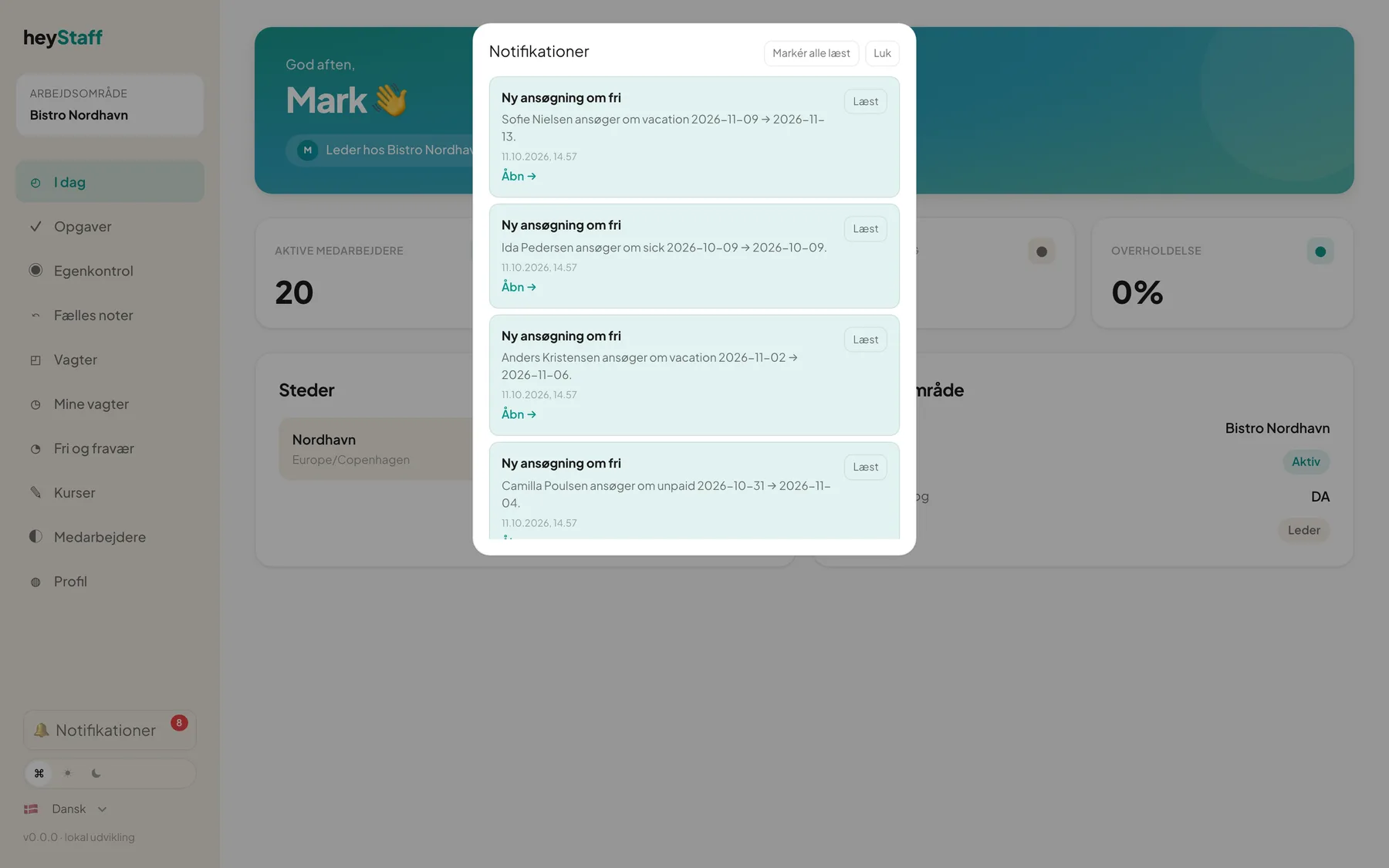 As a manager you get a message, for example, when an employee requests time off.
The number on the bell refreshes automatically every minute.
Note: The notifications window is currently shown in Danish only.
Locked modules
Section titled “Locked modules”If your subscription does not include a module, or a trial has ended, the page shows a message such as “Shift Handover is locked”. Data is kept, and the module works again once it is activated. Contact your administrator or the heyStaff team.
Important: Hidden menu items are only a convenience. Access is always checked on the server – you cannot reach a page you lack permission for by typing its address.